
TPower Malaysia Guide to Partner Brands, Sign-Up, VIP Rules and Support Home | Check the directory before choosing a brand
Home | Check the directory before choosing a brand
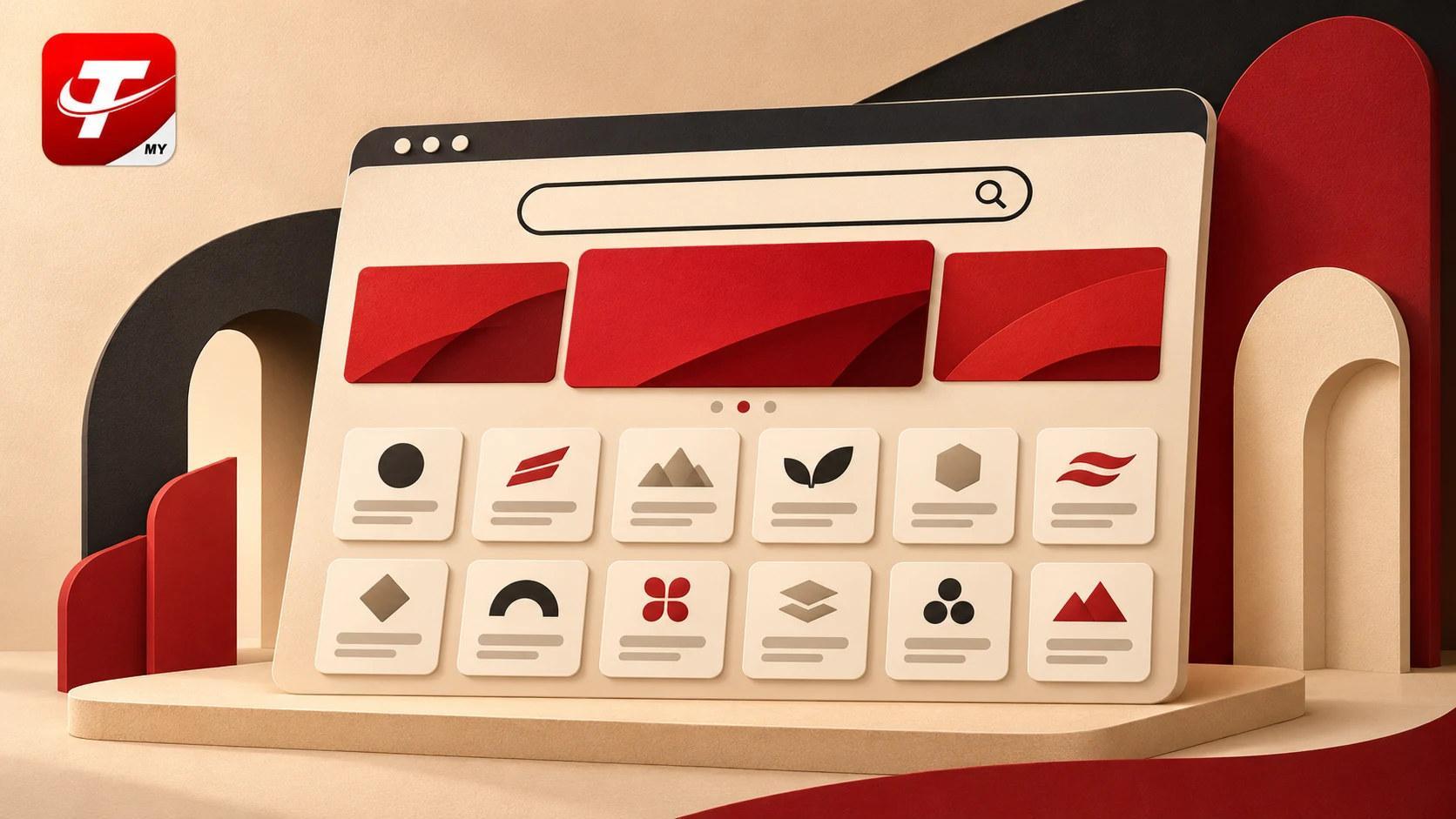
The TPower Online Casino Malaysia opens with a welcome panel and shortcuts for logging in, signing up and browsing brands. Choose ‘Browse brands’ to jump to Partner Brands. It takes you past the carousel and ambassador portraits. The directory showed 42 cards when checked, starting with names such as JILI, Mega888 and 918Kiss.
The search field works with the words on those cards. A search for ‘Slots’, for example, brings up names including Pragmatic Play Slots, UU Slots, Playace Slots and Playtech Slots. Clear the field to bring the full directory back. A card takes you to TPower’s public login page. If you’re looking for a campaign instead, use the Promotions shortcut above the rotating slides. The homepage carousel shows Invite Rewards, New Member Reward and Top Up Spin. Below the directory, quick links take you to Promotions, VIP System, Download and FAQ. There’s also a language selector in the header with Bahasa Melayu alongside English, Simplified Chinese, Thai, Vietnamese and Bahasa Indonesia.
Sign up | The code and the registration button

On the TPower register, the sharing code appears on the same card as ‘Open registration’. The copy control sits beside the code. The Log in and Sign up tabs appear at the top, with Sign up selected. If you already have an account and opened this link from a bookmark, the other tab leads to the public login page.
The little arrow on ‘Open registration’ tells you it opens another tab. At the time of checking, that button sent visitors to an external address with ‘Signup’ in the path. The original tab stays available with its code and Contact link. On a phone, check the browser’s tab list if you’re still looking at the first page after pressing the button. If you want to see the steps first, there’s a registration video in the public FAQ. The sign-up card itself gives you the code and the link to continue. The written answer below the FAQ videos shows the same code when checked.
About us | How TPower explains its partner list

Why do several different names appear on the same homepage? The About TPower page explains the setup in the company’s own words. It describes the platform as a place for different partner brands, with visitors free to browse and pick what suits them. The introduction sums up that idea as ‘More brands, more choice’. Right below it is a red ‘Browse brands’ button.
That button lands at the directory on the homepage. It’s handy if you’ve reached About us first and want to look up a provider without scrolling through the homepage offers. Below the introduction, a card headed ‘What we believe’ discusses the company’s approach to personal preference. The other carries its slogan, ‘Power in hand, wealth for all’. Those panels give the background to the directory, while the shortcut takes you to the names that are actually listed.
VIP System | Read the requirement for your level

The TPower VIP System publishes six cards, from VIP0 to VIP5, with a shortcut to each one. The first two lines serve different purposes. Upgrade tells you the requirement for moving up. Retention tells you what the site says you need to keep the same level. The VIP0 card shows no figures for those requirements. The Silver member card, VIP1, lists RM25,000 for retention.
The footnote says the upgrade calculation combines deposits and 1× turnover accumulated over three consecutive months. There’s more detail below the cards. The site says live and slots rebates are calculated separately and issued daily. Weekly care starts at VIP3 and is subject to a rate and a cap. The page describes it as based on weekly losses and issued on Monday when conditions are met. The same rules explain when the listed level-up and anniversary bonuses are issued. The general conditions call for completed identity verification. All six cards also include a quarterly bonus line, which reads “None” at each level.
Contact | Pick a channel for the question

Choose Contact in the menu for TPower customer support. The card with the chat symbol has a red ‘Contact support’ button that goes to WhatsApp. It also lists [email protected] for email enquiries. The site says these options cover account, login and general questions. The separate question-mark card opens the FAQ and its tutorials.
If an error appears after you press a button, say which page you were on and include the exact wording of the message. Mention whether it happened in the app or the browser. Keep passwords and verification codes out of the enquiry. For a general question about where to find a setting or a record, you can look at the tutorials first. They include separate videos on viewing withdrawal records and changing the phone number linked to the account. The two cards put those tutorials and the contact details within easy reach of each other.
| TPower and Yes2win public pages compared | ||
| Area | TPower | Yes2win |
| Registration | Sharing code, copy control and a separate registration link | Sign-up page gives a promotion code, three illustrated steps and a written Player ID tutorial |
| VIP information | Six tier cards with upgrade and retention requirements | Homepage has a short VIP Program overview under Promotions & Bonuses |
| Support | WhatsApp and email, with a separate FAQ shortcut | FAQ page links to WhatsApp above its expandable guides |